Announcements

  • June Town Hall Meeting

    TOWNHALL MEETING

    JUNE 2ND 5:00 PM

    TOPICS OF CONVERSATION

    • Summer Reading Kickoff
    • Pre-K, Kindergarten & 5th Grade End of the Year Activities
    • Summer Rising Program
    • Upcoming Events

    VIA ZOOM

    ID MEETING: 914 8224 1728 PASSWORD: 104720

    Made with PosterMyWall.com

    (718) 822-5345 WWW.PS36X.ORG

    Public School 36X Unionport
  • Spring Concerts

    SPRING MUSICAL ASSEMBLY

    1ST GRADE

    A Happy, Healthy Meg

    Parents and Families:

    You are invited to attend our Assembly!

    FEATURING CLASSES 206, 207, 208, 209, 210, 217

    Tuesday, June 2, 2026 9:00 AM


    SPRING MUSICAL ASSEMBLY

    2ND GRADE

    Journeg Inco outer spase

    PARENTS AND FAMILIES:

    YOU'RE INVITED TO OUR ASSEMBLY!!

    CLASSES 211, 212, 213, 214, 215 & 306

    TUESDAY, JUNE 2, 2026 10:15 AM

    Public School 36X Unionport
  • District 8 Multicultural Fair

    4th Annual District 8 Multicultural Fair

    WEDNESDAY, JUNE 3, 2026 4:30PM-6:30PM

    JOIN US FOR A JOYFUL CELEBRATION OF CULTURE, COMMUNITY, AND DIVERSITY!

    FAMILIES ARE INVITED TO ENJOY MUSIC, FOOD, PERFORMANCES, AND TRADITIONS FROM AROUND THE WORLD.

    AT THE XI92 CAMPUS

    (BRONX DELTA, UIM & MOTT HALL)

    650 HOLLYWOOD AVENUE, BRONX,

    NY 10465

    Public School 36X Unionport
  • 4th Grade Creative Stages Show

    You're Invited!

    PS36x and Creative Stages present the 4th grade in In the Days of King Adobe

    Date: Wed, June 3

    Time: 9:30 AM

    Place: Auditorium

    Public School 36X Unionport
  • Summer Spirit Week

    P.S. 36 SUMMER SPIRIT & WEEK

    June 8 - June 12, 2026


    Mismatch MONDAY

    Wear a wacky or mismatch outfit!


    Tropical TUESDAY

    Bring a touch of the tropics to school. Think Hawaiian shirts, sunglasses and beach vibes!


    Wacky Hair WEDNESDAY

    Show us your craziest hairdo or wear a crazy hat instead!


    Team Spirit & Sports THURSDAY

    Wear our school colors or your favorite sport gear or team!


    Flag Day FRIDAY

    Wear White, Red or Blue for Flag Day!

    Public School 36X Unionport
  • Our Summer Reading Kickoff/BOGO Book Fair is happening June 8-12, 2026!

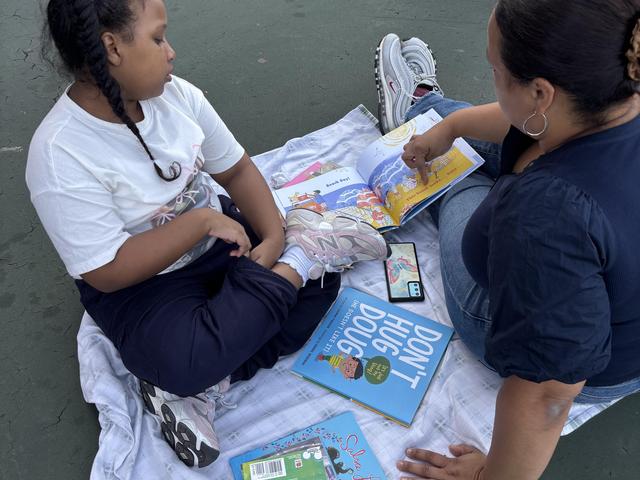
    Our Summer Reading Kickoff is almost here! All classes will visit the library to learn about summer reading challenges on Beanstack, the NYPL summer reading program and many other summer reading opportunities! Students will also be able to shop at our BOGO (Buy One Get One) Book Fair!

    Public School 36X Unionport
  • PARENT ASSOCIATION ELECTION/ SCHOOL LEADERSHIP TEAM

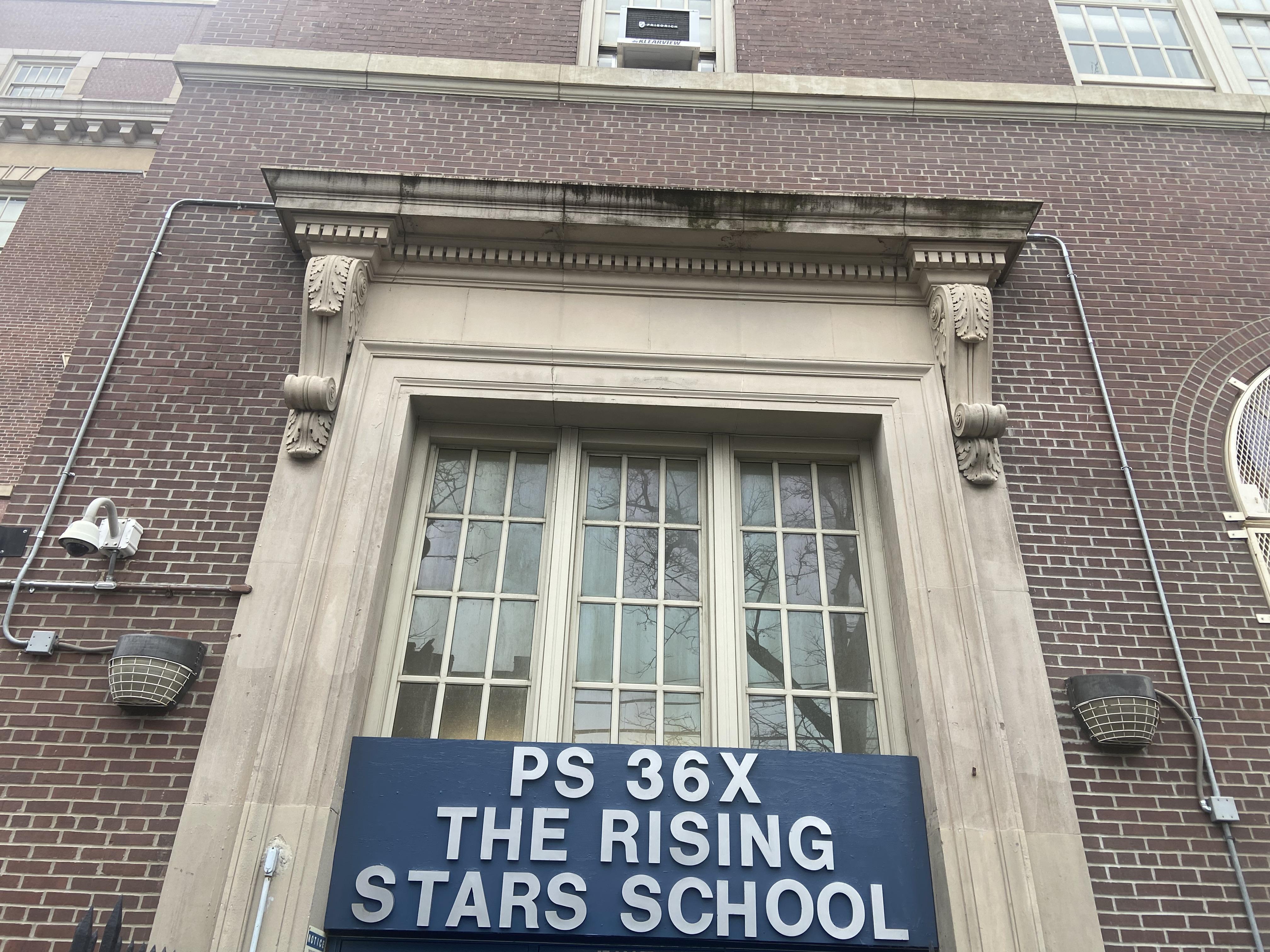
    P.S. 36X The Rising Stars School

    2026- 2027 School Year

    PARENT ASSOCIATION ELECTION

    LET YOUR VOICE BE HEARD VOTE

    Titles/Positions Up For Voting

    PA EXECUTIVE BOARD

    3 Mandatory Positions

    1. President

    2. Recording Secretary

    3. Treasurer

    1 Non-Mandatory Position

    1. Vice President

    Term Limit: 1 Year 2026 -2027

    School Leadership Team (SLT)

    2 Vacancies

    Term Limit: 3 Years (2026 - 2029)

    How Do You Qualify to run for office or nominate someone else to run for office?

    In order to qualify, you must be a parent/legal guardian of a child/children currently attending P.S. 36X in Grades Pre K - 4th Grade

    Date: Tuesday, June 09, 2026

    Time: 8:45 - 10:00AM

    Voting Location: School's Cafeteria

    Public School 36X Unionport
  • How To Sign In To Teachub, Google Classroom, Sora and Beanstack...

    TeachHub is a portal that provides quick links to apps for learning, including:

    • Google Classroom, Sora, Beanstack and more!

    Students must sign in with their DOE Student Accounts. Once signed in they can access all other apps without signing in again.

    Steps to log in to TeachHub

    1. Go to TeachHub (https://teachhub.schools.nyc/)
    2. You will see the NYCDOE login page.
    3. Enter your username.
    4. Enter your password.
    5. Click on Sign in
    6. You are now in TeachHub!

    Steps to log into your Google Classroom.

    1. Sign in to Teachhub (https://teachhub.schools.nyc/) with your DOE username and password.
    2. Once in TeachHub, go to the Search in the top right corner. Then type Google Classroom in the search bar.* 
    3. Click on Google Classroom.
    4. Once in Google Classroom, you will need to accept the invite to your class. This will only be the first time you sign in.

    *After your first log in, the Google Classroom app will be on your homepage. You can then click on the heart to make it a favorite so it will always be there when you sign on.

    Steps to log into Beanstack & Log Reading

    1. Sign in to Teachhub (https://teachhub.schools.nyc/) with your DOE username and password.
    2. Then go to Clever and click on it.
    3. Once in Clever go to the Search in the top right corner.** Then type Beanstack in the search bar.*** Click on Beanstack and you're in! 
    4. Once in Beanstack, you will click the BLUE Log Reading button in the top left-hand corner.
    5. Now you will have two choices. The first choice is to set the reading timer and start reading. The second choice is Log Minutes. The Reading Timer is optional. Some families find it helpful, but you do not have to use it. You can go directly to step 6.
    6. Choose Log Minutes.Then click on the day, enter the title and author of the book(s) you read, the number of minutes spent reading and click Log Reading.

    **After your first log in, the Google Classroom app will be on your homepage. You can then click on the heart to make it a favorite so it will always be there when you sign on.

    ***After your first log in, the Beansack app will be on your Clever home page, and you will only have 3 steps! You can also click the heart to make it a favorite.

    Public School 36X Unionport
  • D8 SPECIAL EDUCATION PARENT SERIES

    New York City Public Schools

    Jennifer Joynt, Community Superintendent

    Anya Munce, Deputy Superintendent

    COMMUNITY SCHOOL DISTRICT 8

    1230 Zerega Ave, Bronx, NY 10462 718-239-5890

    2025-2026 DISTRICT 8

    SPECIAL EDUCATION PARENT SERIES

    ALL SESSIONS ARE VIRTUAL FROM 1:00-2:00PM

    WEDNESDAY, NOVEMBER 12, 2025

    WEDNESDAY, DECEMBER 10, 2025

    WEDNESDAY, JANUARY 14, 2026

    TUESDAY, FEBRUARY 10, 2026

    WEDNESDAY, MARCH 11, 2026

    WEDNESDAY, MAY 13, 2026

    ENGLISH LINE: 646-558-8656

    MEETING ID: 995 2240 4246 PASSCODE: 888888

    Arabic Line: 347-966-4114 Conference ID: 577 148 295# Bangla Line: 347-966-4114 Conference ID: 649 506 82# Spanish Line: 347-966-4114 Conference ID: 213 367 908#

    PLEASE RSVP TO ATTEND A SESSION

    RSVP Special Education Parent Sessions

    LINK FOR VIRTUAL SESSION will be emailed after your registration

    Public School 36X Unionport
  • P.S. 36 Cell Phone & Electronic Device Policy

    September 2025

    P.S. 36 Cell Phone & Electronic Device Policy


    PURPOSE:

    To create an environment conducive to learning by minimizing distractions caused by cell phones and other personal internet-enabled electronic devices, ensure the safety and focus of all students during school the school day, and follow Education Law §2803, effective August 1, 2025, all New York State schools are required to adopt a policy that prohibits the use of personal internet-enabled devices during the school day on school grounds. An "internet-enabled electronic device" is defined as an electronic device capable of connecting to the internet and enabling the user to access content on the internet.  Examples of such devices include cell phones, smartphones, smartwatches, laptops, tablets, iPads, and portable music and entertainment systems. 


    POLICY STATEMENT:

    Students will not be permitted to use or access their personal internet-enabled electronic devices upon arrival at school until the end of the school day. The school day is defined as the period from the moment students enter the school grounds until the last class of the day ends, including during breakfast and lunch. The school day starts at 7:50am and ends at 2:40pm.  Students will be able to use school and NYCPS-issued devices during the school day.

    1. COLLECTION/STORAGE:
    • Upon arrival, students must power off their devices.
    • The school will collect devices:
      • Under the supervision of staff members, devices will be collected. At designated collection points (yard, gym, lunchroom and/or classrooms), students will place electronic devices into a labeled pouch. Then, students will place the pouch into a lockbox which will be stored until the end of the school day. At the end of the school day, devices will be distributed by school staff in classrooms prior to dismissal. Devices must remain off until dismissed.
      • Students who were late or had their device confiscated will have to pick up their device from the Main Office, Room 163.
      • Students with approved early dismissal will retrieve their devices from the Main Office, Room 163.


    1. EMERGENCY COMMUNICATIONS:
    • In case of emergency or exigent circumstances, parents or guardians can call 

    Ms. Karina Ali (Parent Coordinator) at 718-822-5345 to reach their child.

    • In case of emergency or exigent circumstances, students may access phones in the Main Office, Room 163 to reach their parents or guardians.
    • In case of emergency or exigent circumstances, the school will use GAMA to communicate information to parents or guardians.
    1. Here is how parents/guardians can access the automated messaging system: Directions for setting up NYCSA account to access GAMA messages.


    1. EXCEPTIONS:
    • Students are allowed to use their device if they have an individualized education program (IEP) or 504 Plan that includes use of an internet-enabled device and do not have a DOE-issued device for such purpose.
    • Parents/guardians must contact Ms. Rachelynn Cruz (Assistant Principal) at 718-822-5345 if a student requires an exception for reasons such as: medical reasons (for example to monitor blood sugar or other similar circumstances), if student is a caregiver, for approved language purposes (such as translation or interpretation services if no other means are available), or where otherwise required by law.
    • Exceptions will be processed and approved within 2 weeks of request. 


    1. DISCIPLINE:
    • Students who use electronic devices in violation of the NYCPS Discipline Code, the school's policy, Chancellor's Regulation A-413, and/or the NYCPS Internet Acceptable Use and Safety Policy ("IAUSP") will be subject to progressive discipline. This means that the disciplinary responses will escalate based on the nature and frequency of the violation. 
    • S. 36 Ladder of Progressive Discipline:

    1st Offense: Verbal Warning

    2nd offense: Device is confiscated and returned at the end of the day

    3rd offense: Device is confiscated and a parent must pick up the device 

    • As provided in the State law, a student may not be suspended solely on the grounds that the student accessed a personal internet-enabled device in violation of school policy​.​ ​ Repeated incidents of insubordination (i.e. refusal to surrender or store device) may result in a suspension if approved by the Office of Safety and Youth Development.


    1. OTHER: IF LOST OR STOLEN:
    • In the unlikely event that an electronic device is stolen or damaged at school, parents can submit a claim to the Comptroller’s Office. More information on submitting a claim is available on the Comptroller’s webpage.


    We appreciate your cooperation in helping us maintain a focused and productive learning environment. If you have any questions or need further clarification regarding these policies, please do not hesitate to contact Karina Ali (Parent Coordinator) at 718-822-5345.


    Public School 36X Unionport
  • School Leadership Team (SLT) Meetings

    School Leadership Team (SLT) Meetings
    Time: 2:45pm
    Location: PS 36 Library
    Zoom Link:
    https://zoom.us/j/95202697315?pwd=b2Ywmae5e8WzMHhvDtqbGv7Wj5VHo2.1
    Meeting ID: 952 0269 7315
    Passcode: 036036
    2025 - 2026 Meeting Dates:
    Tuesday, September 9, 2025
    Tuesday, October 7, 2025
    Tuesday, November 18, 2025
    Tuesday, December 2, 2025
    Tuesday, January 6, 2026
    Tuesday, February 3, 2026
    Tuesday, March 3, 2026
    Tuesday, April 14, 2026
    Tuesday, May 5, 2026
    Tuesday, June 2, 2026

    Public School 36X Unionport
  • Back To School Updates 2025-2026

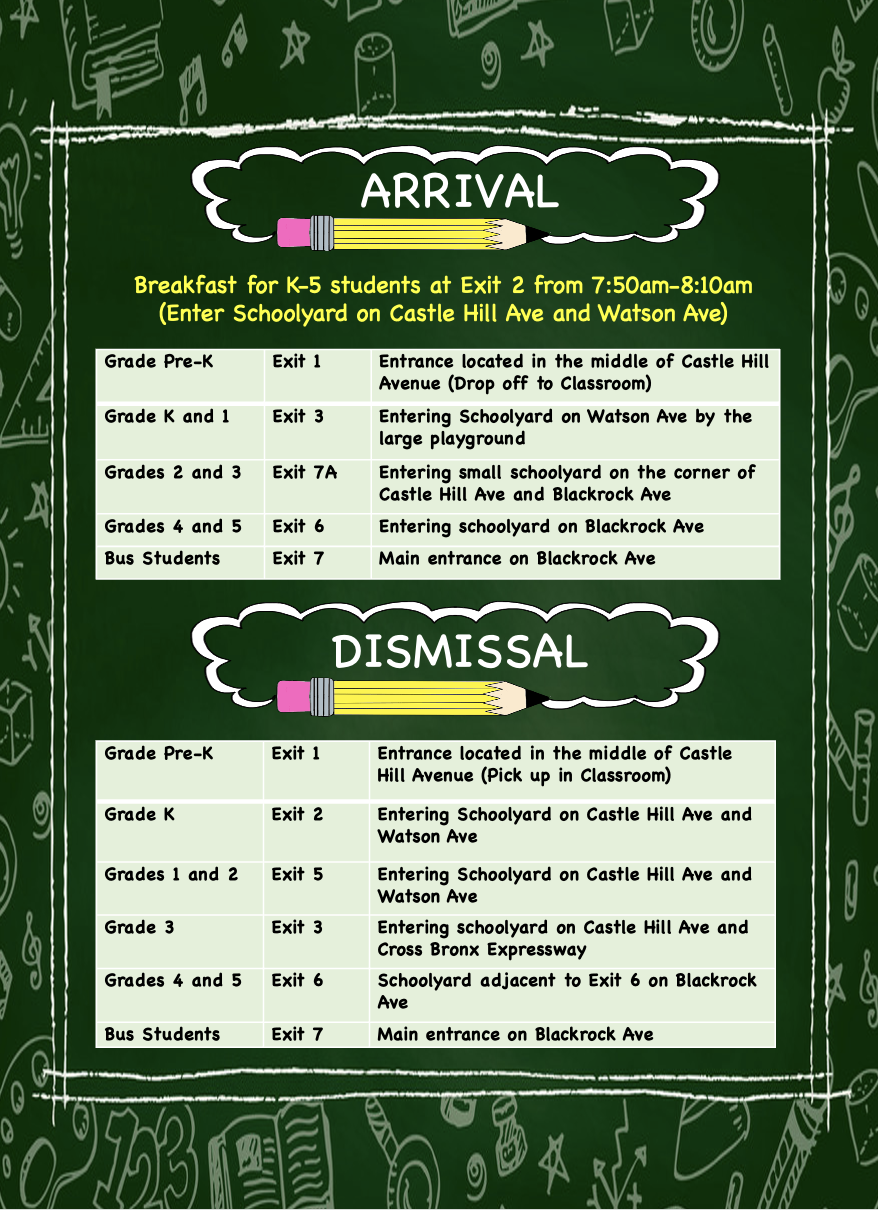
    Back To School Updates

    for the 2025 - 2026 School Year

    First Day of School is September 4th.

    School Hours: 8:20am - 2:40pm

    Breakfast for K-5 students at Exit 2 from 7:50am - 8:10am

    (enter schoolyard on Castle Hill Ave. & Watson Ave.)

    Public School 36X Unionport
View More Posts

About Us

  P.S. 36 is committed to creating a safe, nurturing environment in which learning and teaching are exciting. We will provide each student with a diverse education that promotes independence, creativity, and excellence in learning. We believe that when educators, parents, and students collaborate,   students achieve personal and academic success.

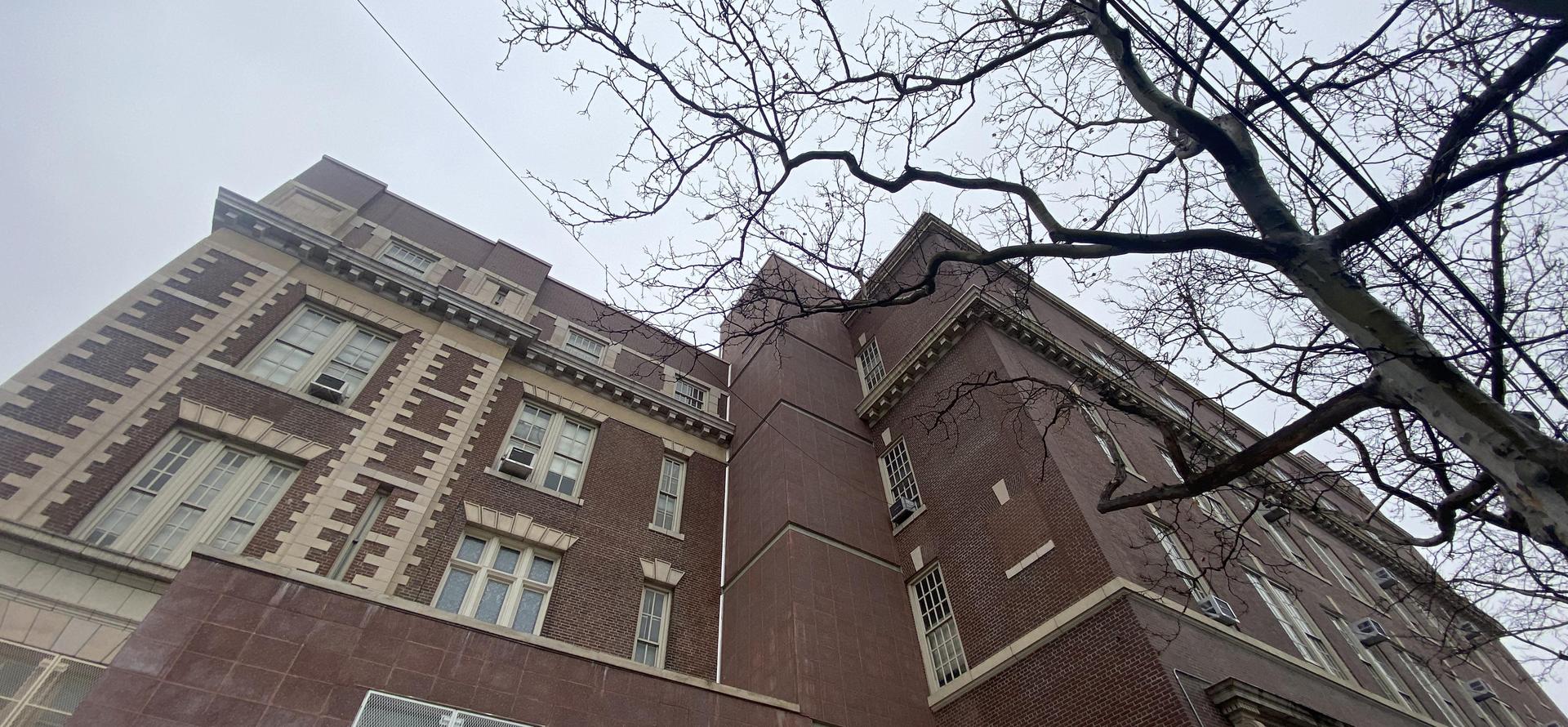
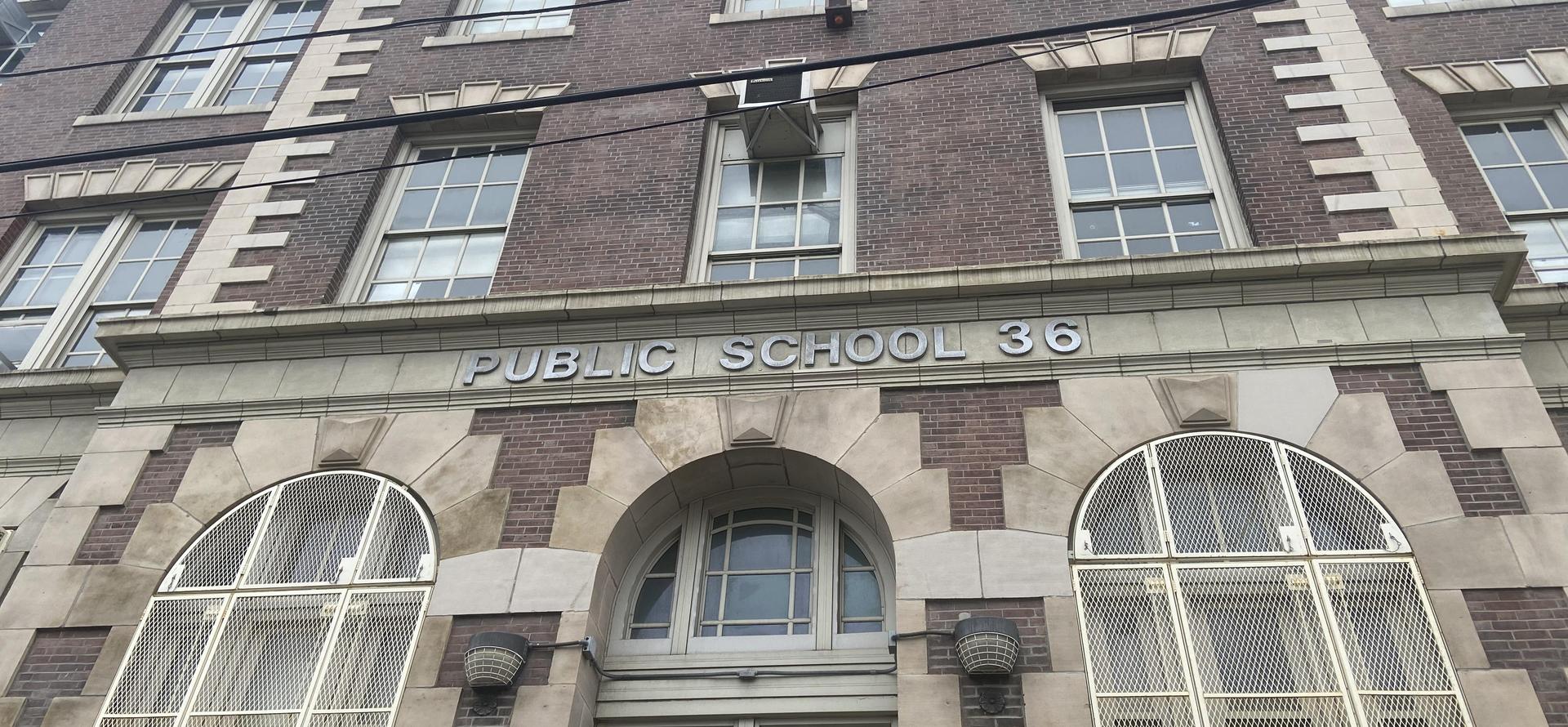
school building